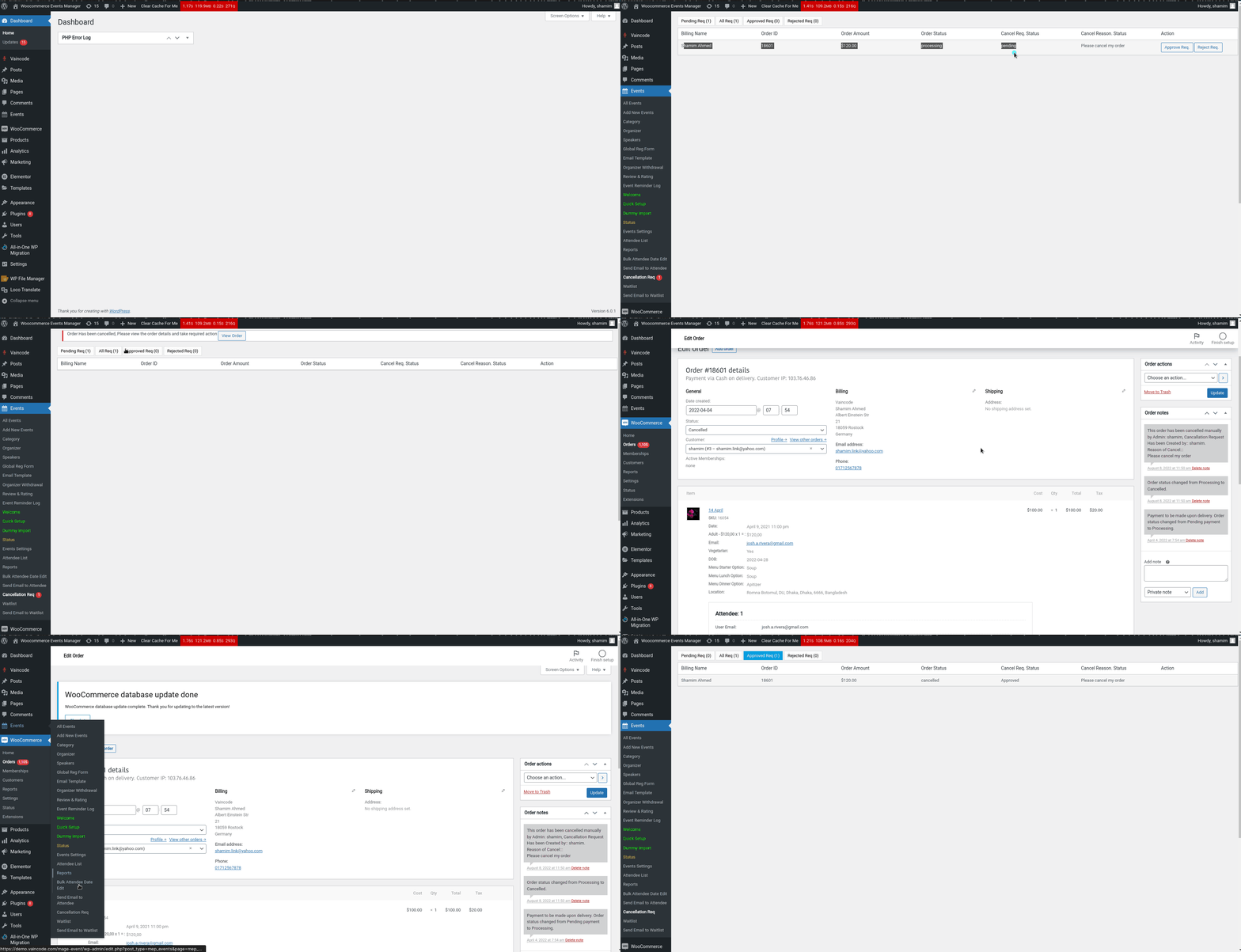
We Introduce a New feature in our Form Builder plugin version (4.0.4). The name of the feature is Cancellation Request. Now users can submit the Cancellation Request from my account page. It can be auto cancel, or the admin can check the request from the dashboard. Then admin can approve or reject the Cancellation Request. Also, Admin can choose the user role who can submit the Cancellation Request.
For these settings, please go to Event Settings -> General Settings scroll to the bottom of the page:

You can select multiple user roles to enable user role-based cancel requests, If you want to enable for all user roles can see the cancel request option; please select all the user roles. Also, you can enable the Auto Cancel feature, So the Cancellation Request will auto approve.
How to Submit Cancellation Request?
On my account page, there is a new tab added named: My Event Order. Here users can see all the Event order lists. After viewing the details of the order he/she can submit the Cancellation request. If the auto cancel is enabled, then the order will automatically cancel.
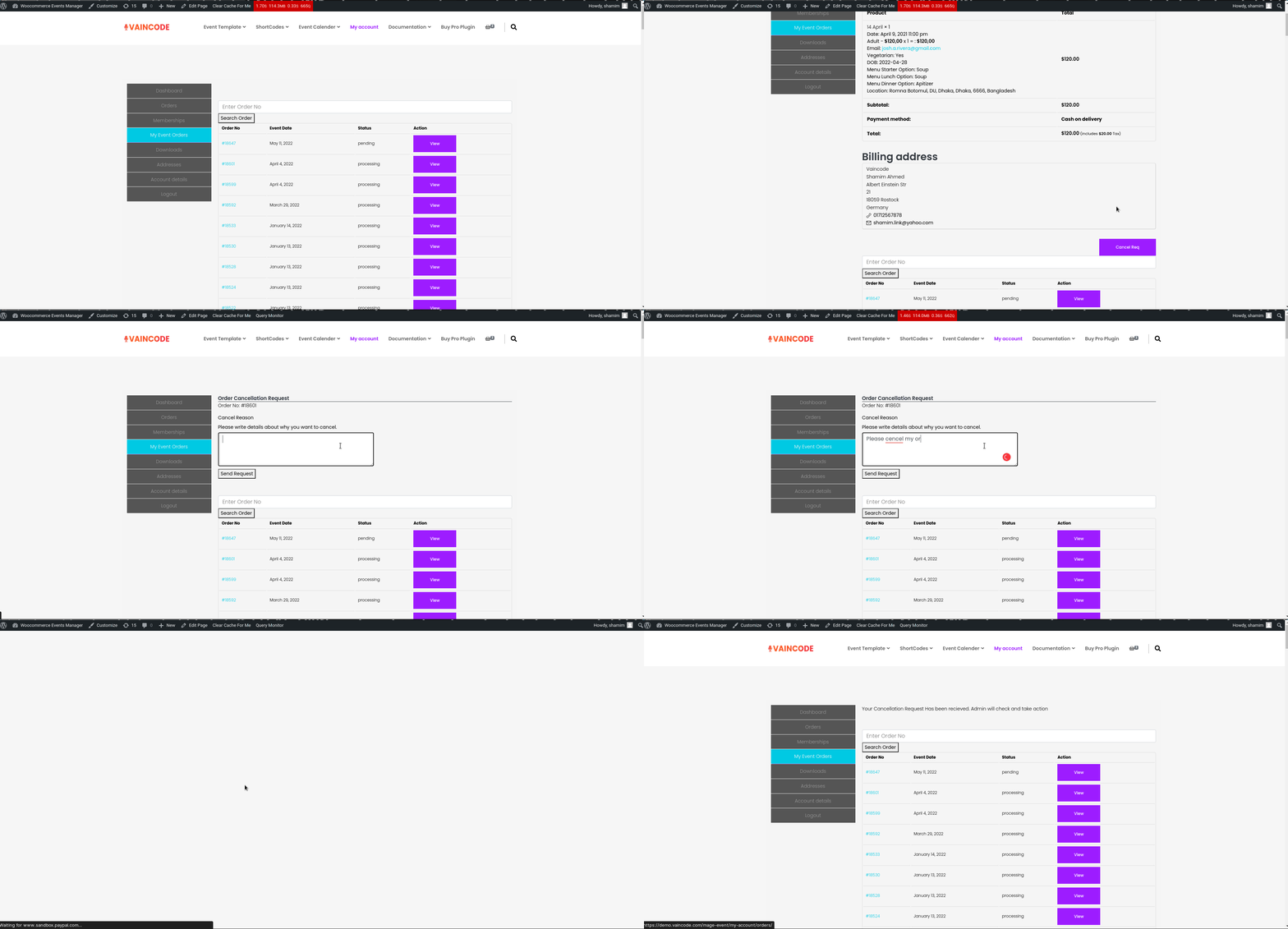
How to Approve/Reject Cancellation Request From Dashboard?
After user submit a Cancellation Request from the my account page, admin can see the request list in the Cancellation Request page from the dashboard. Then admin can approve or Reject the request.