To set up a specific percentage of amount for deposit, go to Products-> Add New or edit the existing product page. And click the Deposit tab.

Exclude this product: Click on the checkbox, if you want to apply a different deposit type to a single product. By default, it comes from global settings.
Enable Deposit: Click on the checkbox, if you want to enable this feature for this product.
Deposit type: Select Percentage of Amount from the dropdown list.
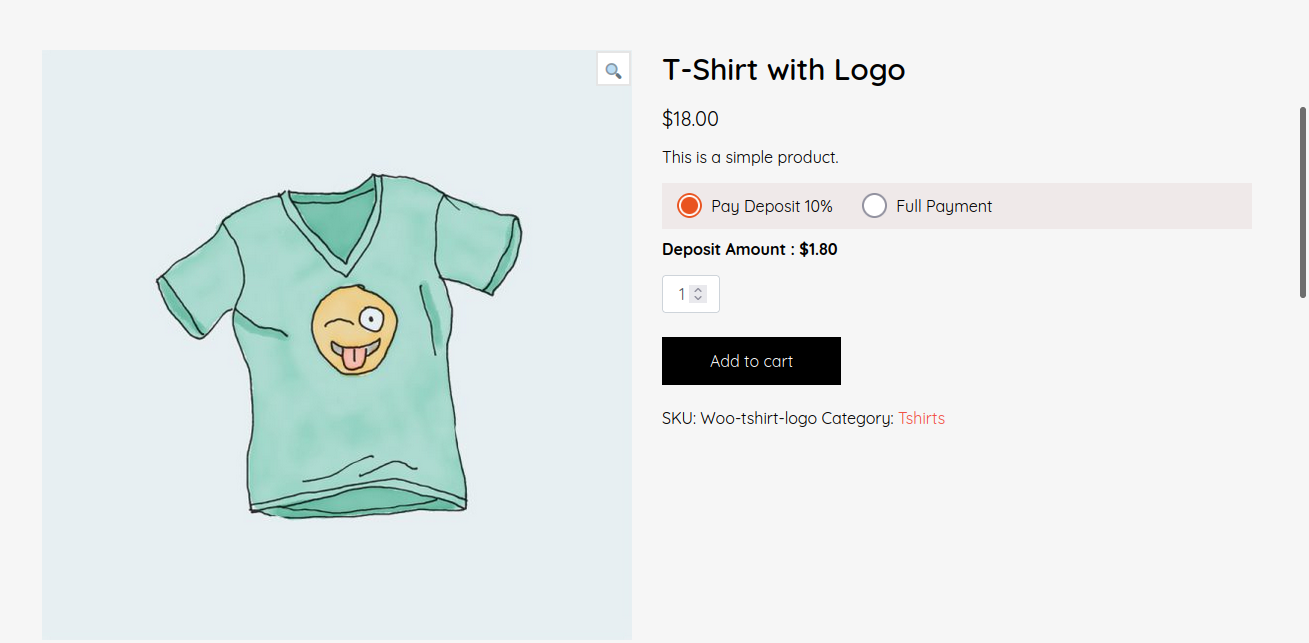
Deposit Value: Enter the value of percentage. For example: for 10% of the product price, enter here 10.
And click on the publish/update button. That’s all.
Output: