Payment Integration
Payment in WpBookingly works at two levels: each service has its own configured payment method, and customers choose how much to pay for that method at checkout.
Payment Method per Service
Configured on Step 1 — General Settings of the Add/Edit Service wizard (sidebar column) — see Service Management:
- Active Method — the current payment configuration for the service (e.g. Custom Payment)
- Active Gateway — the configured payment gateway (e.g. Offline Payment)
- Payment Settings — a quick link to the global Payment Method & Partial Payment settings tab, where gateway routing, deposit management, and installment options are configured — see Settings
Payment Plan Options at Checkout
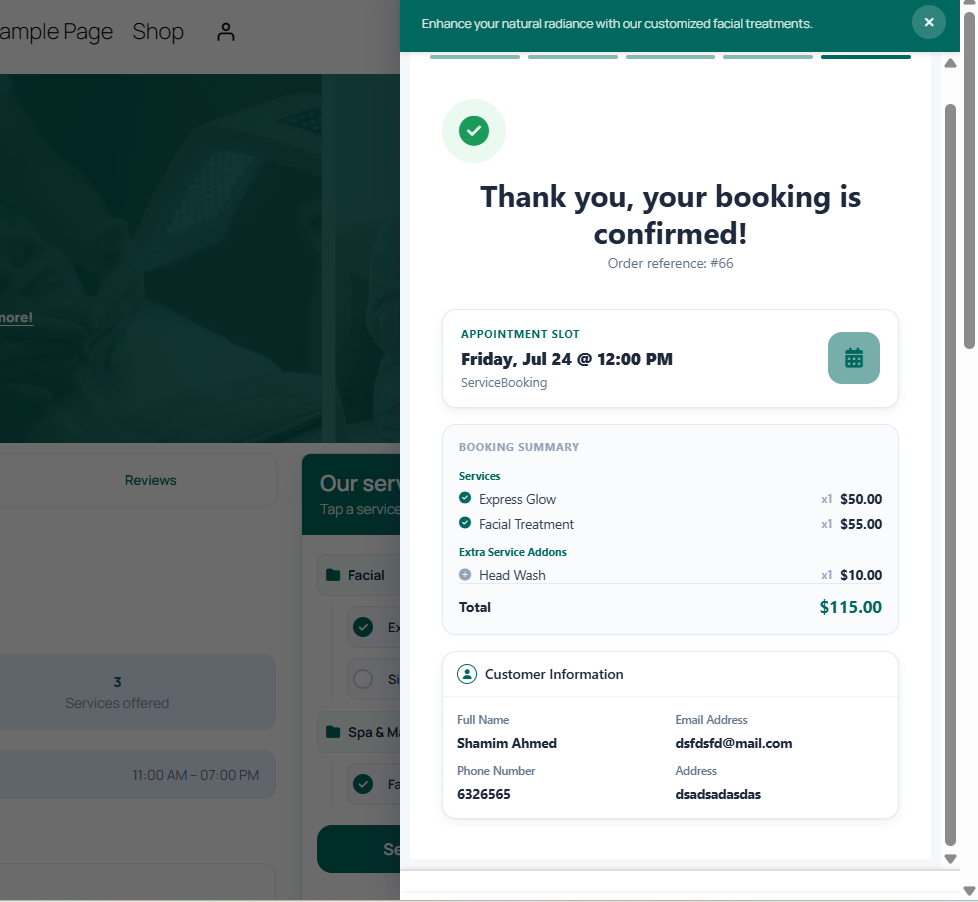
On Step 4 — Checkout & Payment of the front-end booking modal, customers pick between two payment plans before confirming:
- Standard (Pay in Full) — pay the total order value upfront
- Flexible (Pay Deposit) — pay a partial deposit today, with the remaining balance due upon service delivery
- Coupon Field — enter a discount code and click Apply to recalculate the total in real time
- Confirm Booking — submits the transaction and completes the reservation
See Customer Booking Experience for the full checkout step, including the customer information form and privacy consent checkboxes.
Payment & Order Tracking
Once an order is placed, its payment details are tracked from the Order List and Service Queue:
- Paid Amount & Breakdown — subtotal, applied discounts, taxes, and remaining due balance
- Method — the payment channel used for the transaction (e.g. BACKEND ORDER, OFFLINE, COD)
- Order Status — the payment/processing state (Completed, Partially Paid, Processing), editable inline
See Bookings & Orders for the full order table breakdown and screenshot.
Coupons & Discounts
Discount codes are created and restricted (by service, schedule, staff, or usage cap) separately from payment gateway configuration — see Service Dashboard & Wizard for adding and managing coupons.